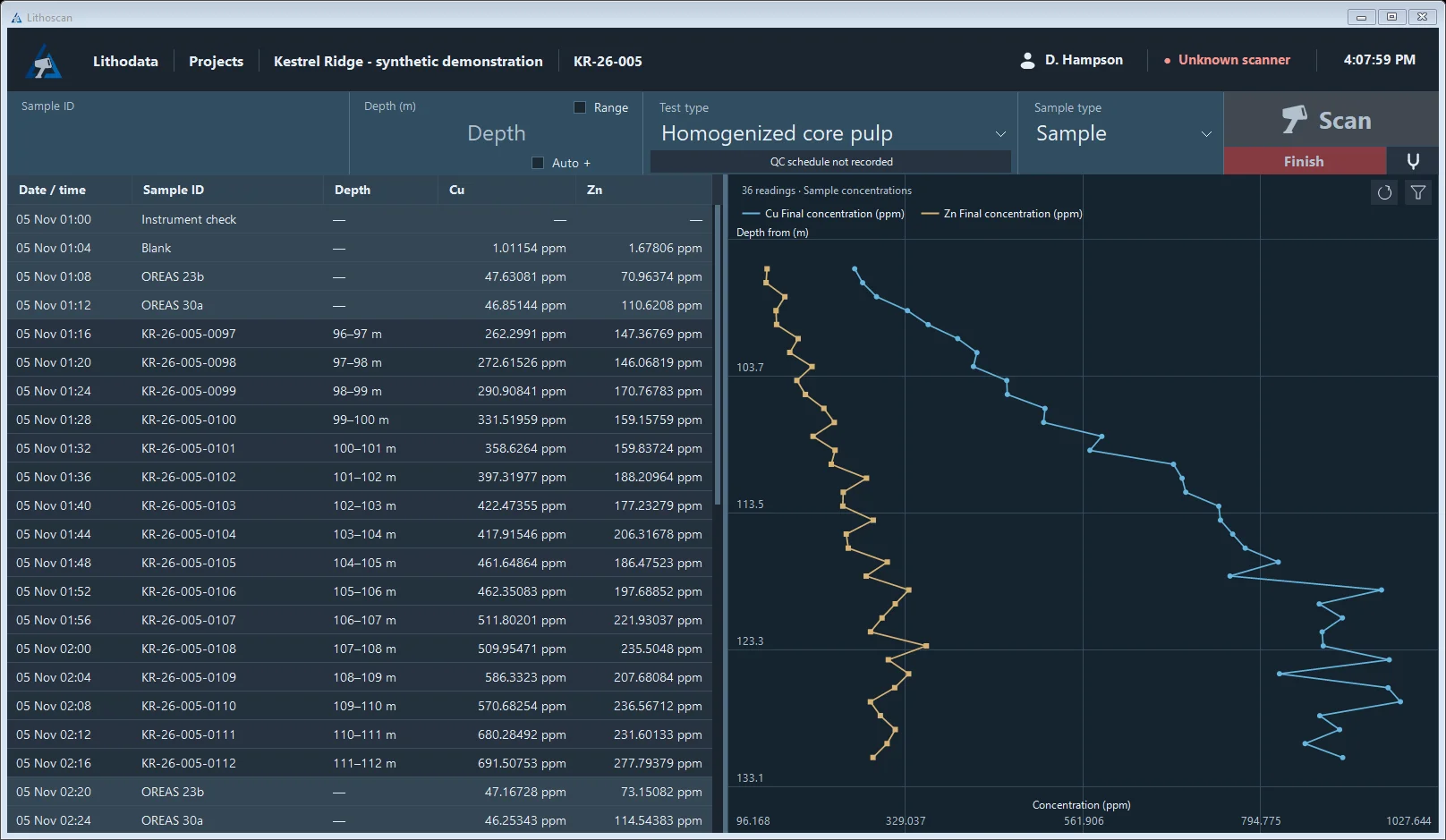
Start a session, label each reading, and watch the depth profile build as you scan.
Scan Setup confirms the hole, a saved scanner condition and the instrument connection before a session can start. During the session, sample ID and depth advance automatically after each saved sample, and every reading lands in a live ledger and graph beside the Scan button.